
Camera
Photograph text and read it
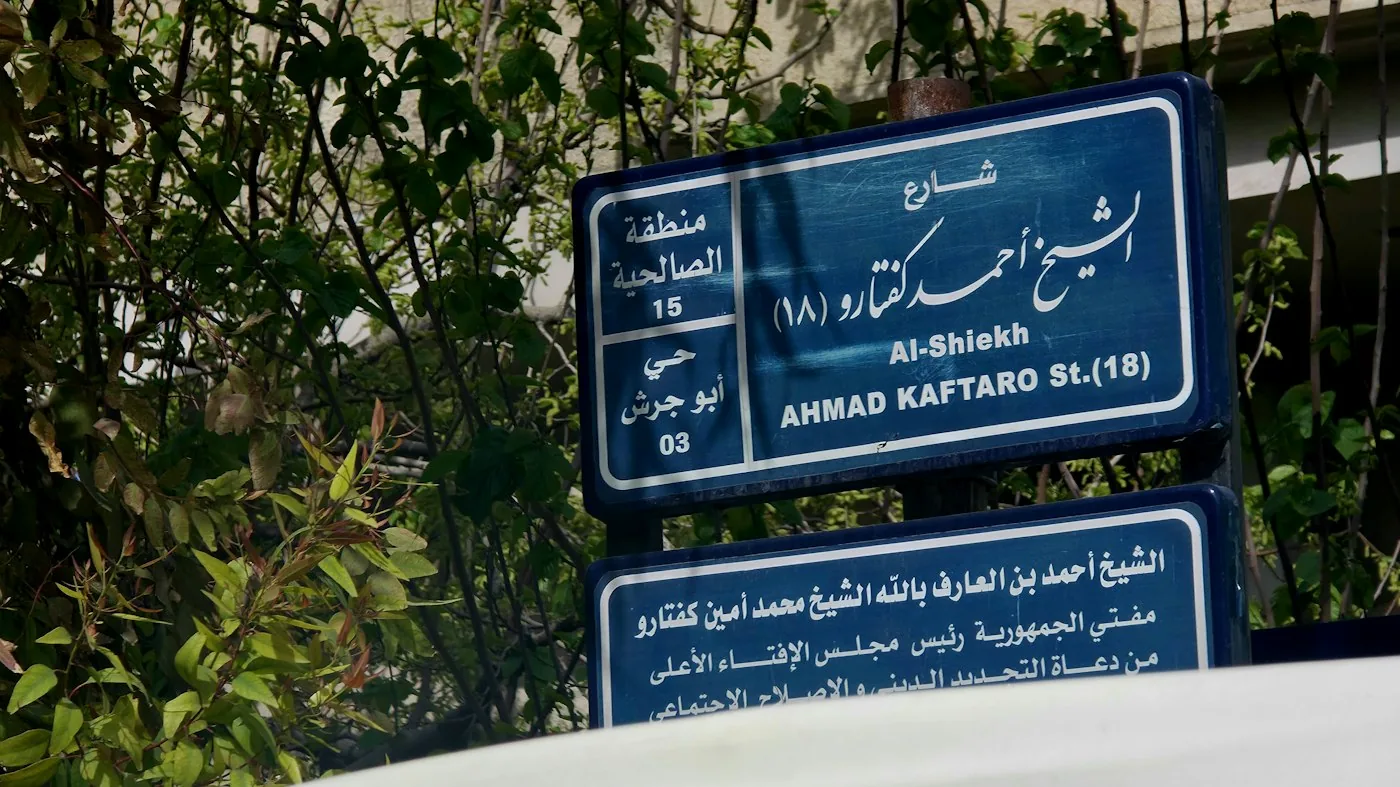
Signs, menus, labels — take a picture and the text is read and translated on this device. How it works →
Your picture never leaves this device — reading happens in this browser, and the translation runs from the language pack on this device. Nothing is sent to a server.
Photographing text and reading it in your language
Point the phone at a sign, a menu or a label, take a picture, and the text is recognised on the device and translated. It is the same reading as the pictures page: a photograph you take now rather than one you already have.
There is also a live view, where lines are translated over the video as they settle. It is the harder half and still being worked on, so a photograph is the reliable route and the one the phone app uses.
Why it runs on your device
The engine and the language pack download once and then run locally, for all 66 languages. Nothing you translate is sent anywhere — not the easy sentences and not the hard ones, because the server path was removed in August 2026 and there is nothing behind this page to send them to. You can check that by turning the network off and translating anyway. The privacy model says exactly what does and does not leave the machine.
Related tools
Common questions
- Is the photo uploaded?
- No. The picture is read and translated on your device; the only download is the recognizer language data, once.
- Does it work without a signal?
- Yes, once the language pack and the recognizer data are installed.
- Can it read handwriting?
- No, printed text only. The page says when a reading is mostly uncertain rather than showing a confident guess.
- What if the camera is blocked or missing?
- The page says so and offers the file picker instead, so you can choose a photo you already have.