
Compare
Translate a PDF without uploading it.
The PDFs people most need translated — contracts, medical records, immigration papers — are exactly the ones that should never be uploaded to a website. Traxlate translates them on your device instead. Here is how, and what the limits are.
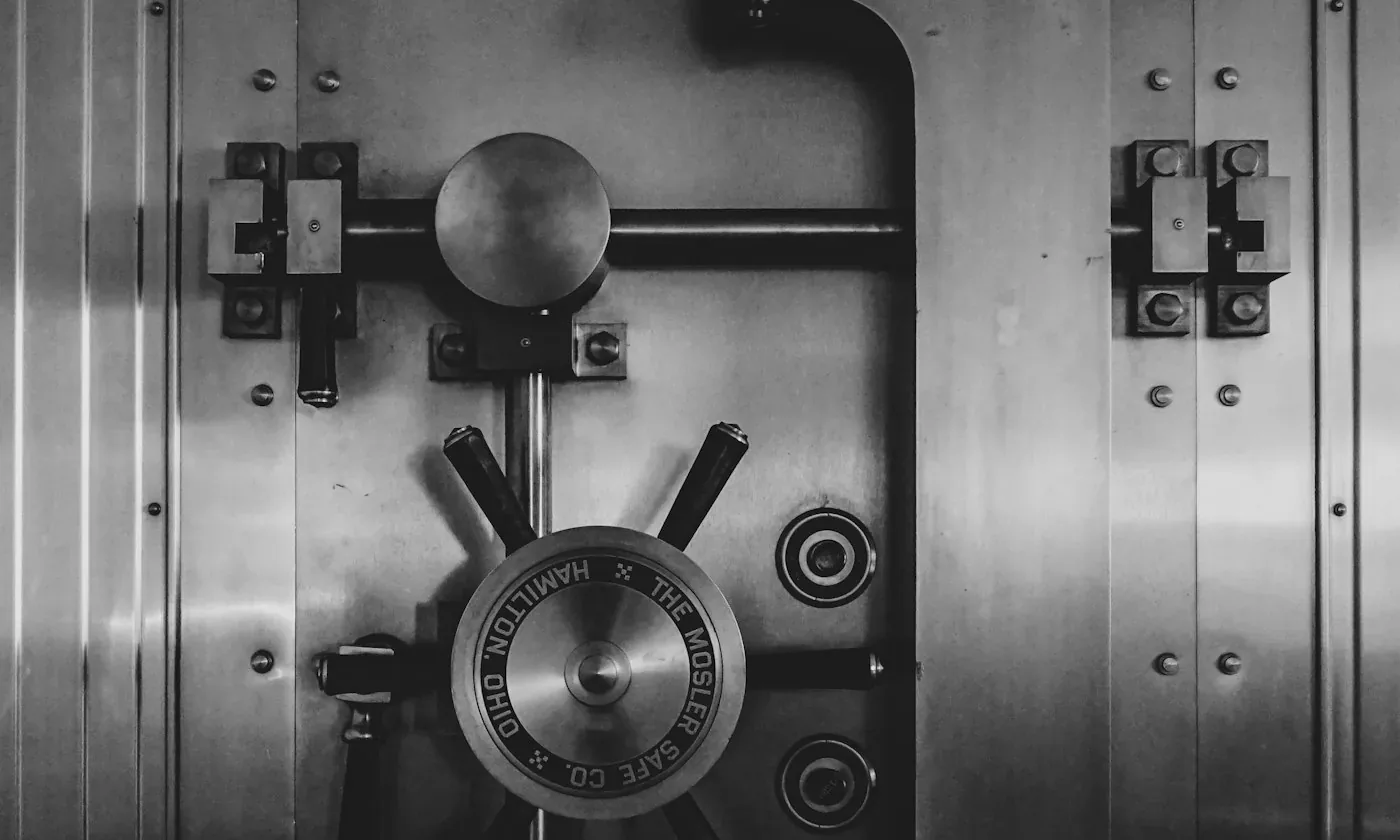
Why “free online PDF translator” is a trade
An upload-based PDF translator has to receive your file to translate it. From that moment your contract exists on someone else’s server, governed by a privacy policy you probably didn’t read, retained for however long their policy says, wherever their servers are. For a recipe that is fine. For a medical record, an NDA-covered draft, or anything a client trusted you with, it can be a confidentiality breach you performed yourself, for free.
The fix is not a better policy. It is a translator that never receives the file in the first place.
How Traxlate does it
- Open /pdf and drop the file in. It is read by your browser, on your machine — there is no upload step to skip, because there is no upload step.
- Each page is handled on its own. Pages with embedded text are read directly; scanned pages are recognised with OCR, also on your device. A mixed document — typed pages with a scanned signature page — just works.
- Translation runs page by page and progress is saved as it goes. Close the tab, come back tomorrow: the job continues where it stopped instead of starting over.
The first time, you’ll install a language pack — about 2 GB, once, and the reason all of this can run locally. After that it works offline, and document translation costs the same page allowance as any other text, with no separate document tier and no per-file charge: it runs on your hardware, so we have nothing to charge you for. The guide covers what gets installed in detail.
The real limits
- 50 MB per file. Larger documents need splitting first; each part is remembered separately, so nothing is lost between them.
- Scanned pages depend on the scan. On-device OCR reads clean scans well; a crooked photocopy of a fax is hard for any OCR, local or not.
- Machine translation can be wrong in ways that read perfectly. Traxlate checks its own output before showing it and warns when unsure — but for a document where being wrong is expensive, have a professional translator review it before it goes out.
Beyond one PDF
The same on-device engine handles Word documents, subtitles and nine other formats on /documents, and plain text on /translate. If you are comparing this to a cloud service like DeepL, read the honest comparison; if you need the whole product to work with no connection at all, see what “offline” really means here. Translation is free — pricing only exists for sync and the local API.